Single Quote Card
A 1080x1080 quote card with a bold kicker, a big highlighted quote, and an attribution line. The fastest way to ship a sharable thought-leadership post.
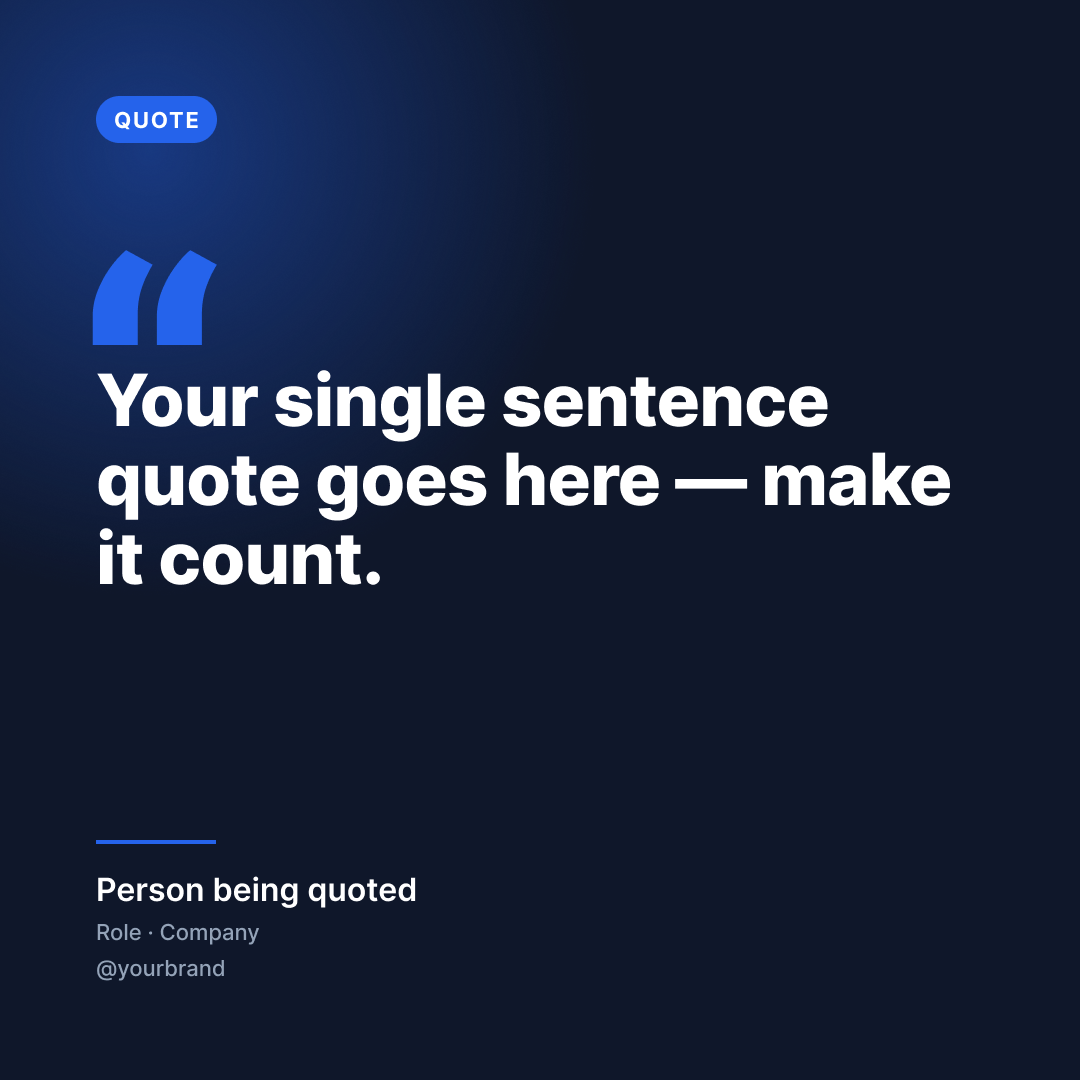
Step 0: start by duplicating the Figma file into your own Figma workspace, then come back and run the prompts below.
Open template in Figma →Tip: In Figma click File → Duplicate to your drafts.
Run these prompts in Claude
Pick the quote + give Claude the context
Step 1 is sanity-checking the quote. The card has a single text block sized for ~25 words of bold copy; longer quotes shrink the layout. Claude will warn you and offer a tighter rewrite if needed. Iterate in chat before opening Figma.
I want to make a Single Quote Card using the Vibe Marketing template I just duplicated. The quote is: <PASTE QUOTE HERE>. The person being quoted is: <NAME>. Their role/context is: <e.g. "Author · Atomic Habits" or "Founder · Acme">. My brand handle is: <e.g. @yourbrand>. If the quote feels too long for a single card (more than ~25 words), suggest a tighter version that keeps the same idea. Show me your suggested version before we touch Figma.Populate the duplicated Figma file
Step 2 uses Figma MCP to write the copy into your duplicated card. The template's text layers are named exactly so Claude follows the contract instead of guessing. Skip surrounding quotation marks in the quote_text — the design already has a decorative open-quote glyph in BLUE on the left.
Great, fill my duplicated Vibe Marketing Figma file with that. The file URL is: <PASTE YOUR DUPLICATED FILE URL HERE>. Inside the frame named "Quote Card · MASTER", update only these named text layers:

- "quote_text" → the quote (no surrounding quotation marks — the card has a decorative open-quote glyph already)
- "attribution" → the person's name
- "attribution_role" → their role and company, like "Role · Company"
- "brand_handle" → my handle, prefixed with @

Leave "kicker_text", the "open_glyph", the background, the divider and the chip styling untouched. After updating, screenshot the frame so I can verify everything fits.Export and ship to Vibe Marketing
Step 3 closes the loop: Claude exports the populated frame as a 1080x1080 PNG, uploads it via the vibemarketing-mcp upload_media tool, then creates the photo draft via create_draft. The draft lands as 'pending' in your queue at vibemarketing.to/review where you review, approve, and either publish or schedule.
Looks good. Now export the frame as a PNG (1080x1080) and create a single photo draft in Vibe Marketing using create_draft with contentType:'photo', the exported PNG as the single mediaItem, the platforms I want (default: instagram, threads, linkedin), and a caption that introduces the quote in 1-2 sentences and credits the source. Don't include hashtags — I'll add those after I review the draft.Ready to run this template?
Start free with 14 days of Creator. No credit card required.
Start free: 14 days of CreatorNeed to connect Claude?
These prompts call the Vibe Marketing MCP, which needs to be connected once before the final step works. Set that up in two minutes →