Case Study Breakdown
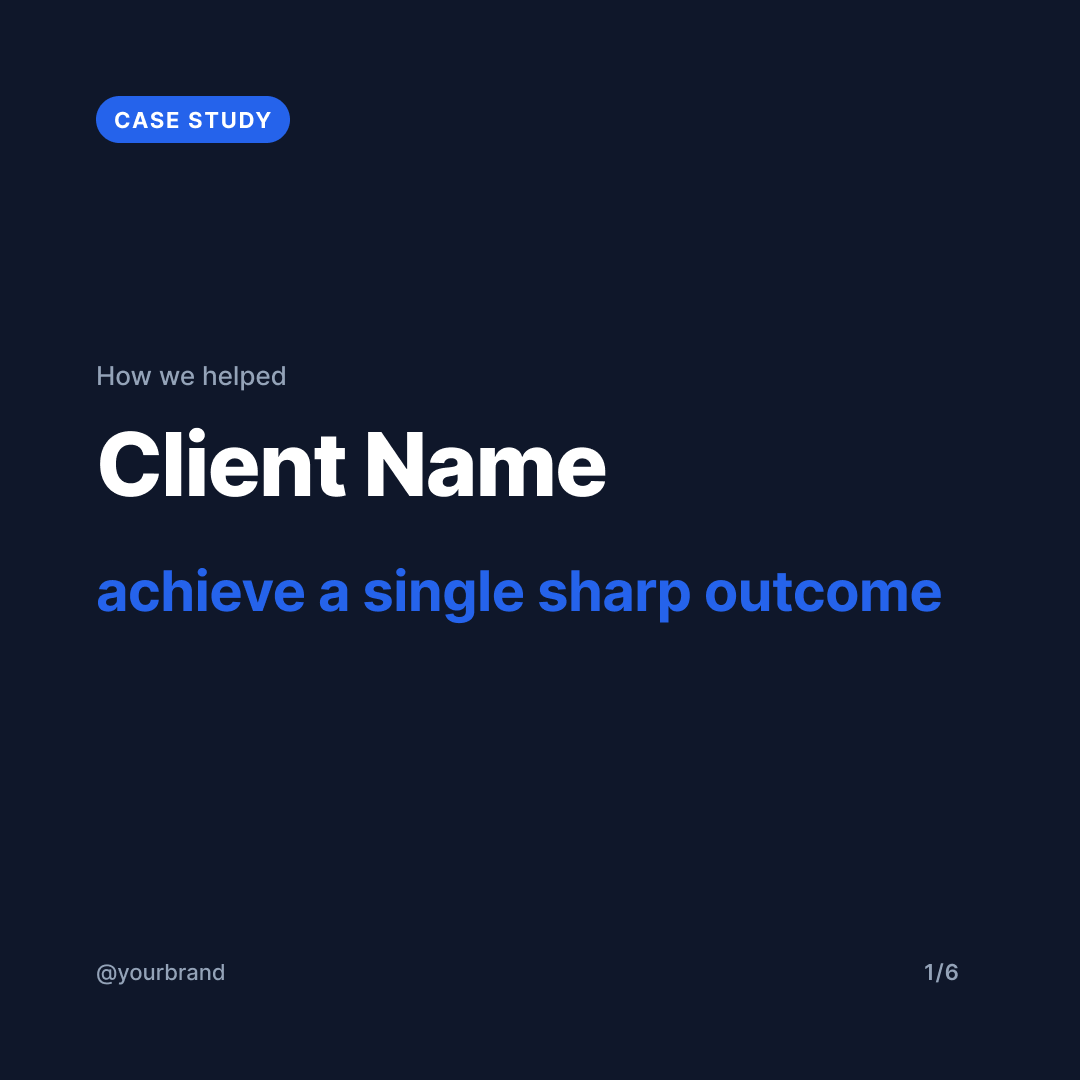
A 6-slide carousel that walks through a client win: title, problem, approach, result, the numbers, and a CTA. Built for agencies, consultants, and operators who want a clean, data-emphatic case-study post.
This is a Pro template. Free during preview.
Pro templates will require a paid plan once monetization ships. Use it freely until then. Nothing breaks for current users when we flip the gate.
Step 0: start by duplicating the Figma file into your own Figma workspace, then come back and run the prompts below.
Open template in Figma →Tip: In Figma click File → Duplicate to your drafts.
Run these prompts in Claude
Give Claude the case-study facts
Step 1 is content-first. The case study format has strict layout constraints (3 approach steps, 3 stat blocks) — Claude generates copy that respects those limits before you go to Figma. Tighten anything that feels long; the headlines are the hardest part.
I want to make a Case Study Breakdown carousel using the Vibe Marketing template I just duplicated. Here are the facts:

- Client name: <NAME>
- One-line outcome (what we helped them do): <e.g. "cut sign-up drop-off by 38% in 8 weeks">
- The problem they had (1-2 sentences): <CONTEXT>
- Our approach (the 3 most important things we did): <BULLETS>
- The result in one bold sentence: <RESULT>
- 3 standout numbers for the by-the-numbers slide: <STATS — value + label per stat>
- My brand handle: <@handle>
- CTA button text + URL: <e.g. "Book a call" + muscled.co>

Draft me copy for each slide: TITLE eyebrow/headline, PROBLEM headline + 2-3 sentence body, APPROACH headline + 3 short action steps (~6 words each), RESULT headline + body, NUMBERS (3 stats), CTA headline + button text + URL. Show me the full draft before we touch Figma.Populate the duplicated Figma file
Step 2 writes the copy into your duplicated case study using the layer-name contract. The strict slots (3 approach steps, 3 stats) keep posts visually consistent — they look like a system, not one-offs. Skip the stat suffix conventions (no spaces, short strings) so the big BLUE numbers stay readable.
Great. Now fill my duplicated Vibe Marketing Figma file with that draft. The file URL is: <PASTE YOUR DUPLICATED FILE URL HERE>. For each frame named "CS · Slide N · ...", update only the named text layers:

- Slide 1 (TITLE): "eyebrow" → "How we helped" (or your variant), "client_name" → the client, "title_headline" → the one-line outcome (lowercase, sentence-style), "brand_handle" → my handle
- Slide 2 (PROBLEM): "problem_headline" → 1-line problem, "problem_body" → 2-3 sentence context, "brand_handle" → my handle
- Slide 3 (APPROACH): "approach_headline" → one bold line, "approach_step_1_text" / "approach_step_2_text" / "approach_step_3_text" → the 3 short actions, "brand_handle" → my handle. Leave the numbered prefixes (01/02/03) untouched.
- Slide 4 (RESULT): "result_headline" → one big result sentence, "result_body" → short context paragraph, "brand_handle" → my handle
- Slide 5 (NUMBERS): "stat_1_value" / "stat_1_label", "stat_2_value" / "stat_2_label", "stat_3_value" / "stat_3_label" → 3 stat blocks. Keep stat values short (max ~5 chars: e.g. 38%, $2.1M, 11K).
- Slide 6 (CTA): "cta_headline" → 2-line short CTA, "cta_button_text" → button copy, "cta_url" → my URL, "brand_handle" → my handle

Leave the kicker chips, dividers, glows, page counters, and font sizes untouched. After updating, screenshot each frame so I can verify.Tighten anything that overflowed
Step 3 is a quality pass. Case study layouts are tighter than the 5-tip format — long headlines or wordy stat labels will run off. Skip this step if the slides looked clean.
Looking at the slides, anything overflowing or too long? Specifically check: problem_headline (max ~1 line), approach_step text (max ~6-7 words), result_headline (max ~2 lines), stat_value (max ~5 chars). Suggest tightening and re-apply.Export and ship to Vibe Marketing
Step 4 closes the loop: Claude exports each Figma frame as a PNG, uploads via the vibemarketing-mcp upload_media tool, then creates the carousel draft via create_draft. Case studies do best on LinkedIn so that's the default platform set; add instagram + threads if your audience lives there.
Now export each of the 6 slides as a PNG (1080×1080) and create a single carousel draft in Vibe Marketing using create_draft with contentType:'carousel', all 6 slides as mediaItems in order, the platforms I want (default: instagram, linkedin), and a caption that briefly sets up the case study — 2 sentences max, one-line teaser of the result, no hashtags. I'll add hashtags after I review the draft.Ready to run this template?
Start free with 14 days of Creator. No credit card required.
Start free: 14 days of CreatorNeed to connect Claude?
These prompts call the Vibe Marketing MCP, which needs to be connected once before the final step works. Set that up in two minutes →