5 Quick Tips Carousel
A 7-slide carousel that opens with a hook, walks through 5 punchy tips, and closes with a follow CTA. The fastest format for educational content on Instagram, LinkedIn, and Threads.
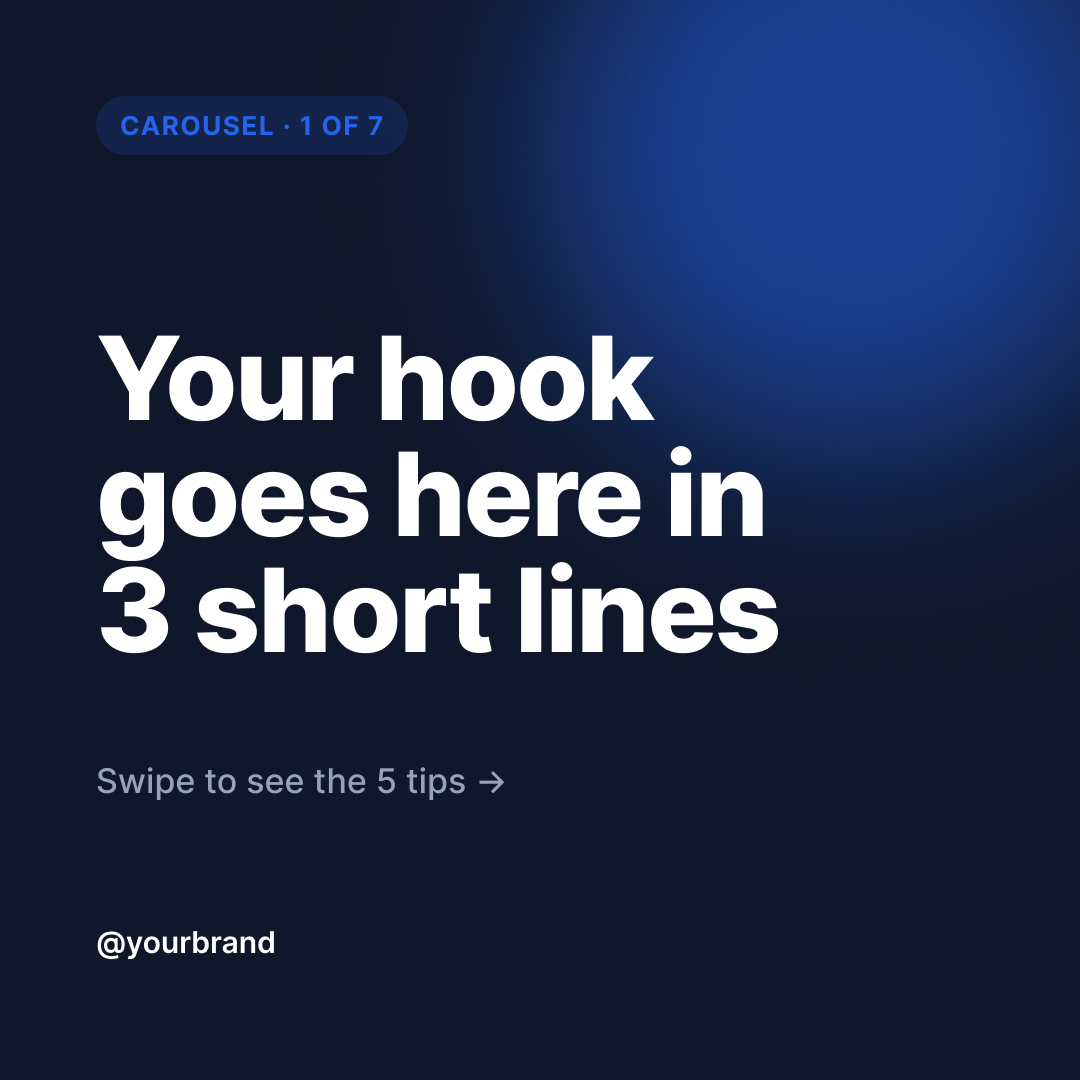
Step 0: start by duplicating the Figma file into your own Figma workspace, then come back and run the prompts below.
Open template in Figma →Tip: In Figma click File → Duplicate to your drafts.
Run these prompts in Claude
Tell Claude the topic + brand voice
Step 1 is content first, design second. Claude generates the actual copy that will fill the template — 5 tips, the hook, the CTA — and lets you review it before anything touches Figma. Iterate the copy in plain chat until it's right; that's much cheaper than iterating in Figma.
I want to make a 5 Quick Tips carousel using the Vibe Marketing template I just duplicated. The topic is: <YOUR TOPIC HERE>. My brand voice is: <e.g. "direct, no fluff, occasionally funny">. My brand handle is: <e.g. @yourbrand>. My website is: <e.g. yourbrand.com>. Please draft me 5 tip ideas — each tip should have a 2-3 word headline and a 2-3 sentence body that fits in a single carousel slide. Also draft a hook for slide 1 (3 short lines max) and a CTA tagline. Show me your draft before we touch Figma.Populate the duplicated Figma file
Step 2 uses Figma MCP to write the copy into your duplicated template. The template's text layers are named exactly so Claude knows what to update — Claude follows the layer-name contract instead of guessing. After this step you have a real, filled, brand-consistent carousel in your Figma.
Great, use that copy to fill my duplicated Vibe Marketing Figma file. The file URL is: <PASTE YOUR DUPLICATED FILE URL HERE>. For each frame named "Slide N · ...", update the named text layers:

- Slide 1 (HOOK): set "headline" to the hook, "brand_handle" to my handle, "subhead" to "Swipe to see the 5 tips →"
- Slides 2-6 (TIP 1-5): set "tip_headline" to the 2-3 word headline, "tip_body" to the body text, "brand_handle" to my handle. Keep "tip_number" and "page_counter" as-is.
- Slide 7 (CTA): set "cta_headline" to a short follow-CTA, "cta_button_text" to "Follow <my handle>", "cta_url" to my website.

Preserve every other layer (badges, dividers, glows, fonts, sizes, colors). After updating, screenshot each slide so I can verify.Tweak visually if needed
Step 3 is a quality pass. Claude critiques its own output and tightens anything that didn't quite fit the layout. Skip this step if the slides looked perfect.
Looking at the slides, anything you'd improve? Specifically: any headline running too long for the 2-line max, any body text overflowing, any tip that feels weaker than the others? Suggest specific edits and re-apply.Export and ship to Vibe Marketing
Step 4 closes the loop: Claude exports each Figma frame as a PNG, uploads it via the vibemarketing-mcp upload_media tool, then creates the carousel draft via create_draft. The draft lands as 'pending' in your queue at vibemarketing.to/review where you review, approve, and either publish immediately or schedule.
Now export each of the 7 slides as a PNG (1080×1080) and create a single carousel draft in Vibe Marketing using create_draft with contentType:'carousel', all 7 slides as mediaItems in order, the platforms I want (default: instagram, threads, linkedin), and a caption that briefly teases the carousel — 2 sentences max with maybe one emoji. Don't include hashtags in the caption — I'll add those after I review the draft.Ready to run this template?
Start free with 14 days of Creator. No credit card required.
Start free: 14 days of CreatorNeed to connect Claude?
These prompts call the Vibe Marketing MCP, which needs to be connected once before the final step works. Set that up in two minutes →